MeatGrader Quality Guide
Meat Quality Grading Guide
How MeatGrader reads beef quality from a photo: the visual factors behind every cut, and the MeatGrader tier and 0-100 score they add up to.
Understanding beef quality
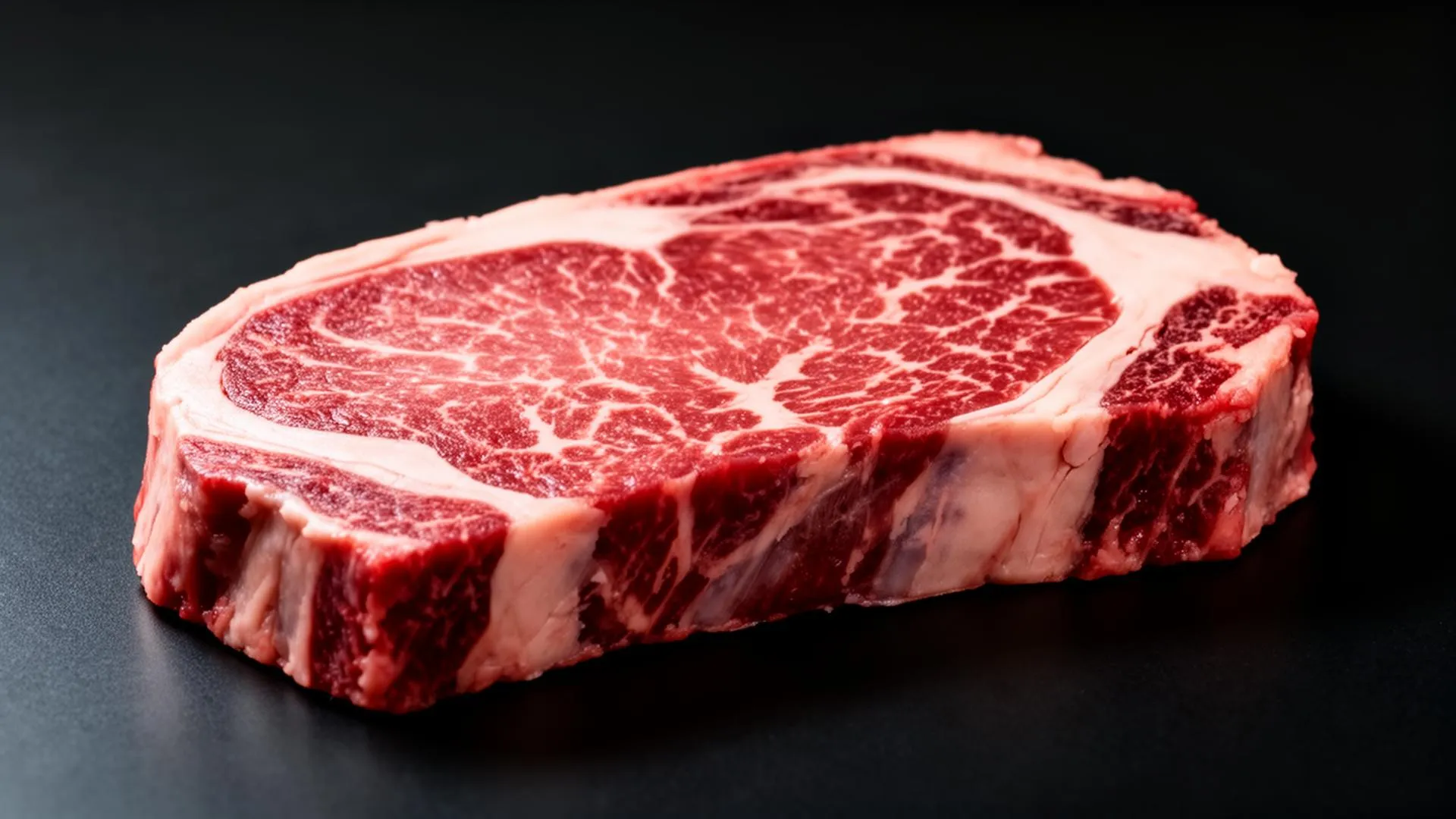
Beef quality comes down to a handful of visual characteristics: marbling, lean color, texture, and fat quality. MeatGrader reads all four from a photo and turns them into a single quality tier and a 0-100 score.
Understanding these factors helps butchers, chefs, and home cooks pick the right cut, and makes the MeatGrader score easy to read at a glance.
Anatomy
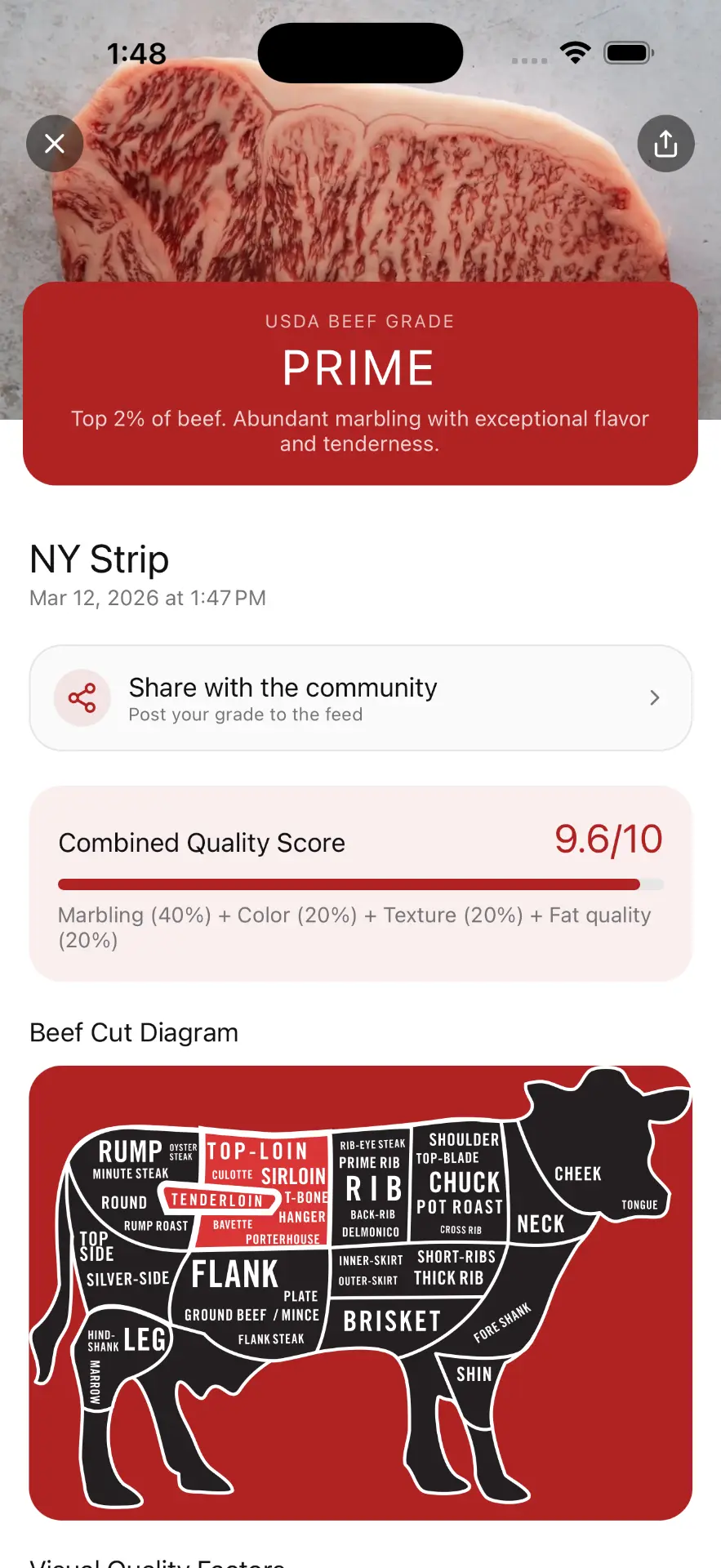
Primal, sub-primal, retail cut
A beef carcass is divided into nine large primals. Each primal does a different job for the animal, which is why a flank steak eats nothing like a ribeye even though they both come off the same cow. Primals get broken down into sub-primals at the wholesale stage, and sub-primals are portioned into the retail cuts you see in the case.
Where a cut sits on the carcass tells you almost everything about how it eats. Muscles that did less work, like the rib and short loin, marble heavily and stay tender. Muscles that did more work, like the chuck and round, build connective tissue and reward slow cooking with deep, beefy flavor.
Names change by region. A ribeye is a scotch fillet in Australia, a cube roll in trade, an entrecôte in France, and ojo de bife in Argentina. Same anatomy, different label.
Beef carcass diagram, head facing right
Beef Quality Factors
What MeatGrader Reads
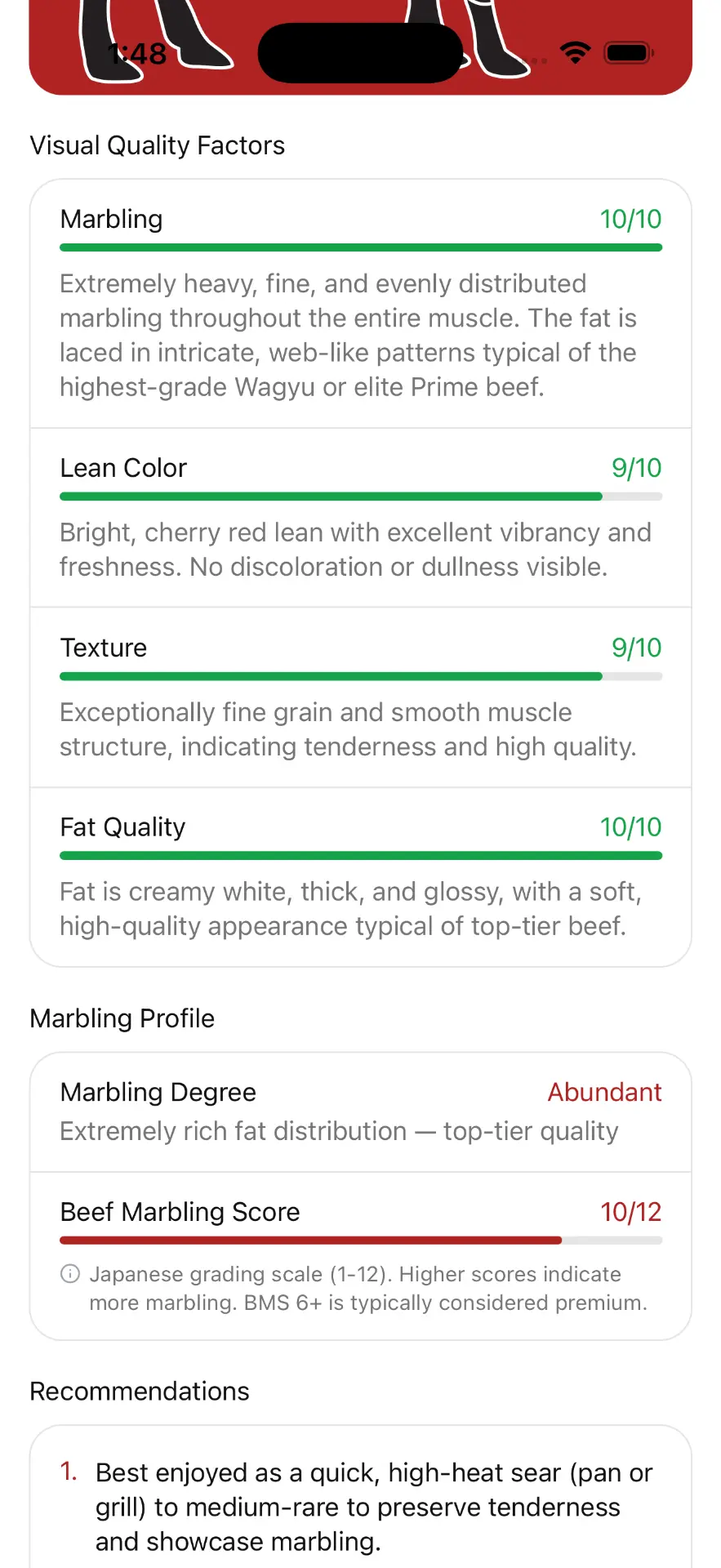
The four visual factors behind every read. Together they drive the MeatGrader Quality tier and the 0-100 score.
Marbling
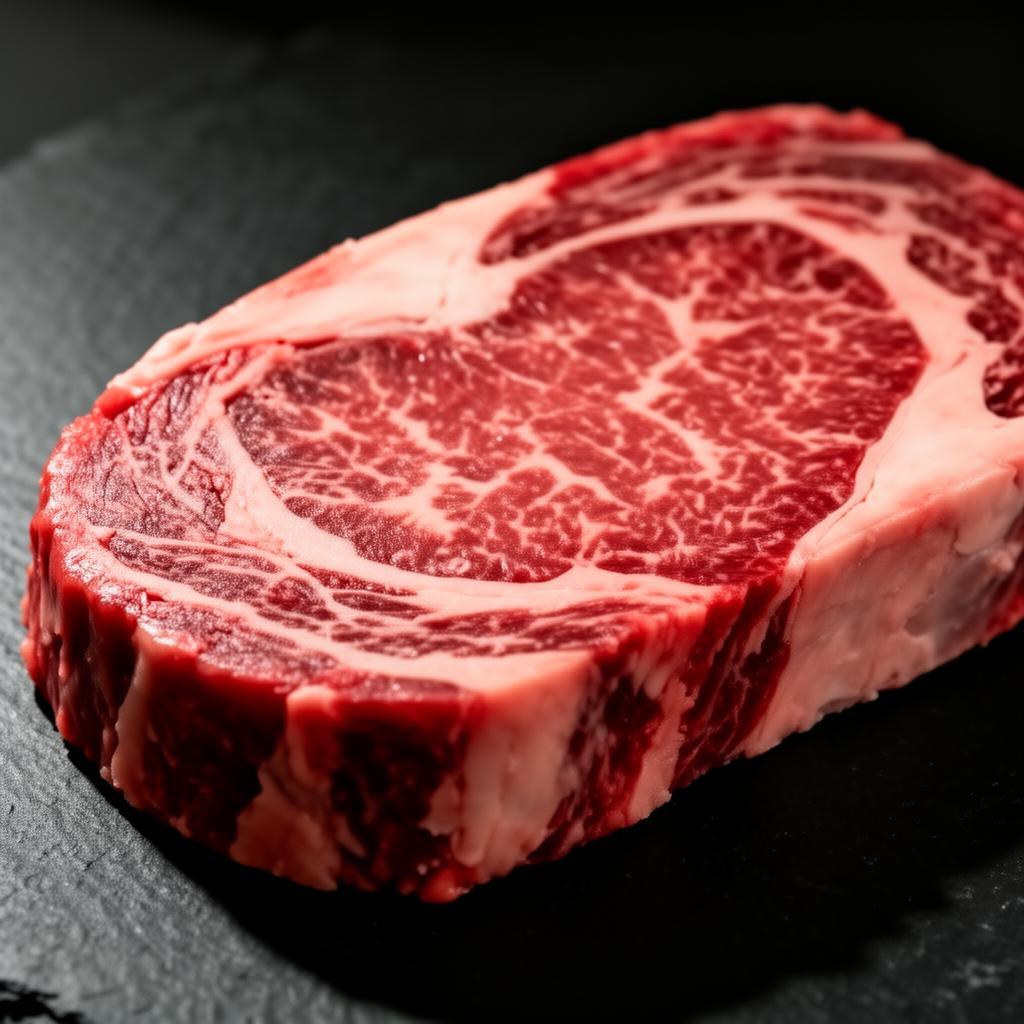
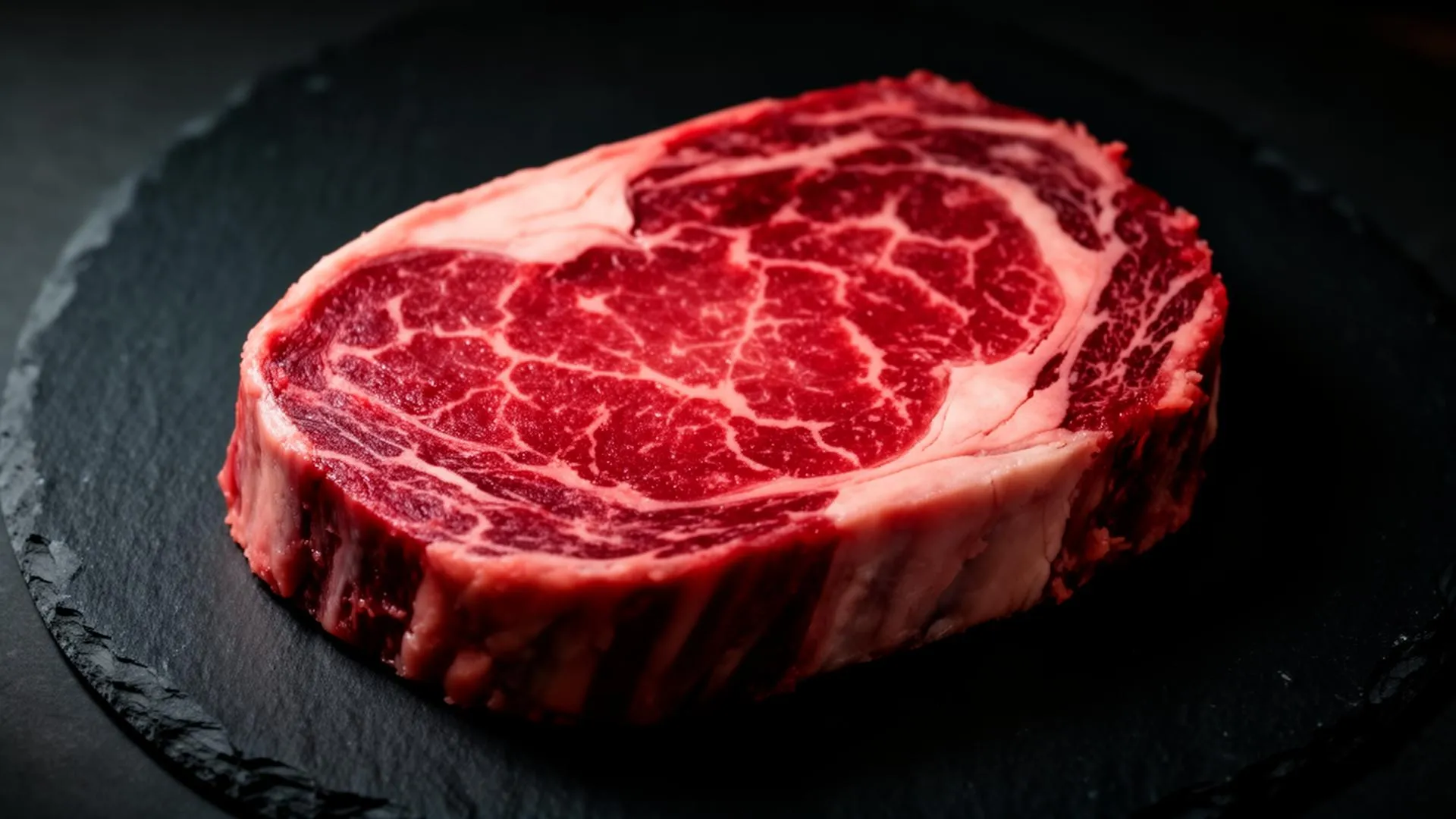
White flecks of intramuscular fat distributed throughout lean meat. Fine, evenly distributed marbling indicates higher quality.
Higher marbling means more tender, juicy, flavorful meat. A Supreme cut shows abundant, even marbling; lower tiers show progressively less.
Supreme: Abundant and even · Select: Moderate · Trim: Little to none
Meat Color
Fresh beef should be bright cherry-red. Color indicates freshness and proper handling.
Brown or gray coloring may indicate age or improper storage. It does not change the marbling read, but it signals freshness and shapes overall appeal.
Ideal: Bright cherry-red · Acceptable: Light red · Concern: Brown/gray
Fat Color & Quality
External and intramuscular fat should be white to creamy white. Yellow fat indicates older animals or certain feed types.
Fat color does not change the marbling score, but it signals freshness and feed and shapes the overall read. Firm, white fat is preferred.
Ideal: White/creamy · Acceptable: Light yellow · Less desirable: Bright yellow
Texture & Firmness
Quality beef has fine-grained texture and feels firm to the touch. Coarse texture indicates lower quality.
Fine texture correlates with tenderness. Coarse, loose texture may indicate tougher meat.
Supreme: Very fine and firm · Select: Fine · Trim: Coarse and loose
The MeatGrader scale
From Supreme to Trim
The 0-100 score is the overall quality: marbling, color, texture, and fat combined into one number. The tier (Supreme to Trim) is the band that score lands in. One scale for every cut, so a ribeye in Texas and a picanha in Sao Paulo read the same way.
- 01
Supreme
Exceptional, dense, even marbling with pristine color and firm white fat. The best beef MeatGrader sees.
- 02
Superior
Well above average. Generous marbling, bright lean, and clean white fat.
- 03
Select
Solid, dependable everyday quality with moderate marbling.
- 04
Standard
Leaner, with light marbling. Best suited to slow, moist cooking.
- 05
Trim
Minimal marbling and quality indicators. Reserve for grinding, braising, or stews.
Try It Yourself
Grade any cut in seconds
MeatGrader reads marbling, color, and the other quality factors from a single photo and returns a MeatGrader tier and 0-100 score in seconds, with a full per-factor breakdown.


FAQ
Common questions about beef quality
The visual factors MeatGrader reads, and how the score works.
Ready to Grade?
Put it to work. Download MeatGrader and score your next cut from a photo.